SEARCH
SEARCH
|
For general questions about reservations or event details, please contact the DC Public Library location you are planning to visit. For those in need of disability services related to event registration or room reservation, please reach out to the Center for Accessibility at 202-727-2142 or DCPLaccess@dc.gov. |
Learn what it means to retrieve and store documents by downloading and uploading, as well as how to attach documents to emails.
Seats are limited to 5 participants and will be filled on a first-come, first-served walk-in basis. Please arrive 10 minutes early to sign in for a seat.
In this quick, 30-minute mini-clinic, we will go over what it means and how to retrieve and store documents from a computer file system, USB, or Cloud storage by downloading and uploading documents, as well as how to attach documents to emails.
Afterwards, participants are welcome to use the Digital Commons public computers to practice these concepts.
Required Skills: The ability to read and comprehend English well, and the skills acquired in PC Basics and Word I Basics.
You will learn to:
Instructor: A. Ovens
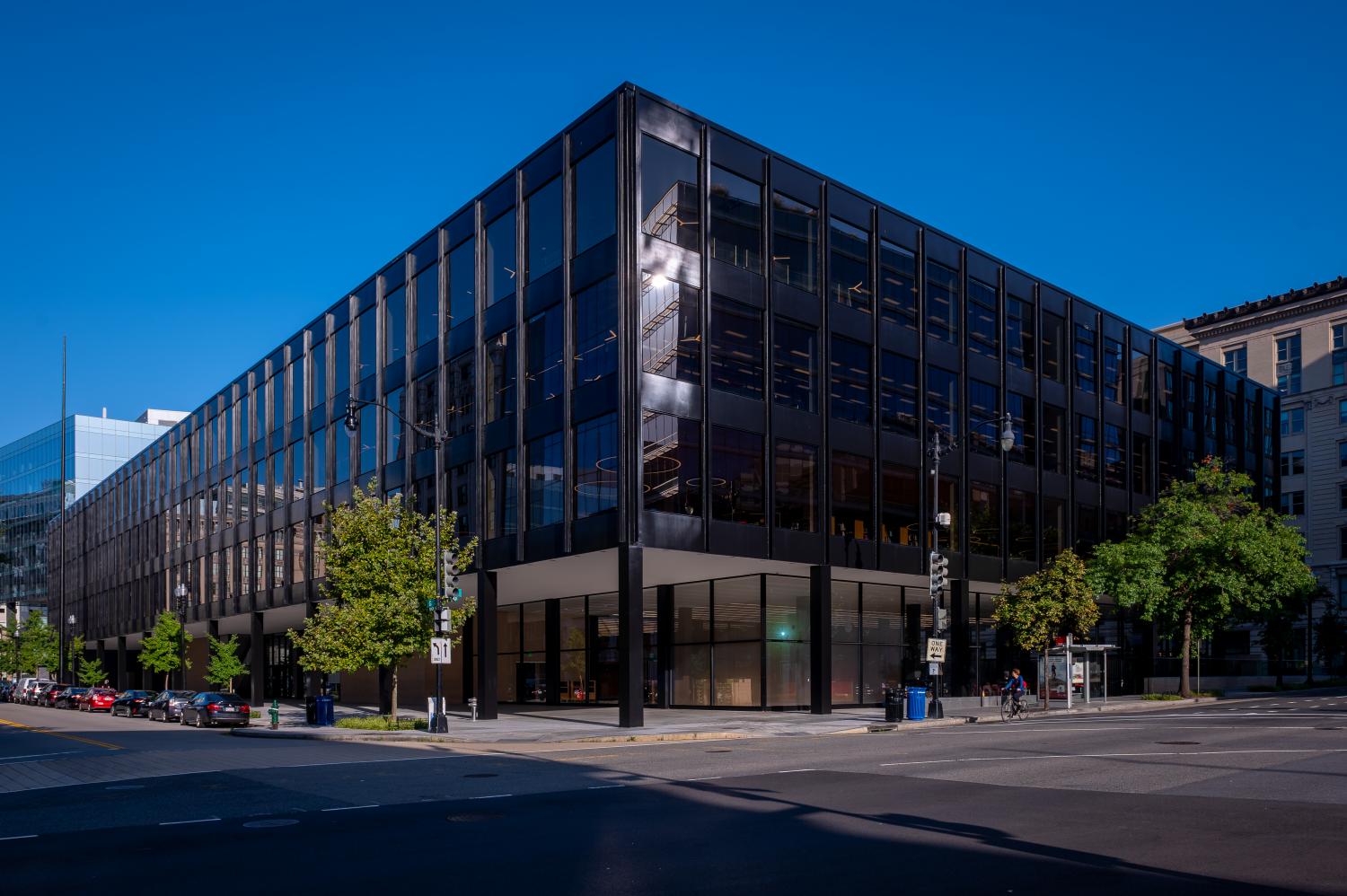
MLK Jr. Memorial Library
First Floor, Digital Commons computer lab
901 G Street, NW
AGE GROUP: | Adults |
EVENT TYPE: | Computer Class |